VISUAL HOMEOWNER GUIDE · HYDRONIC HEATING
Hydronic heat not working?
Boiler-based systems may serve radiators, baseboard convectors or in-floor zones. Note the pattern, document what you can see and avoid adjusting system components.
- 1
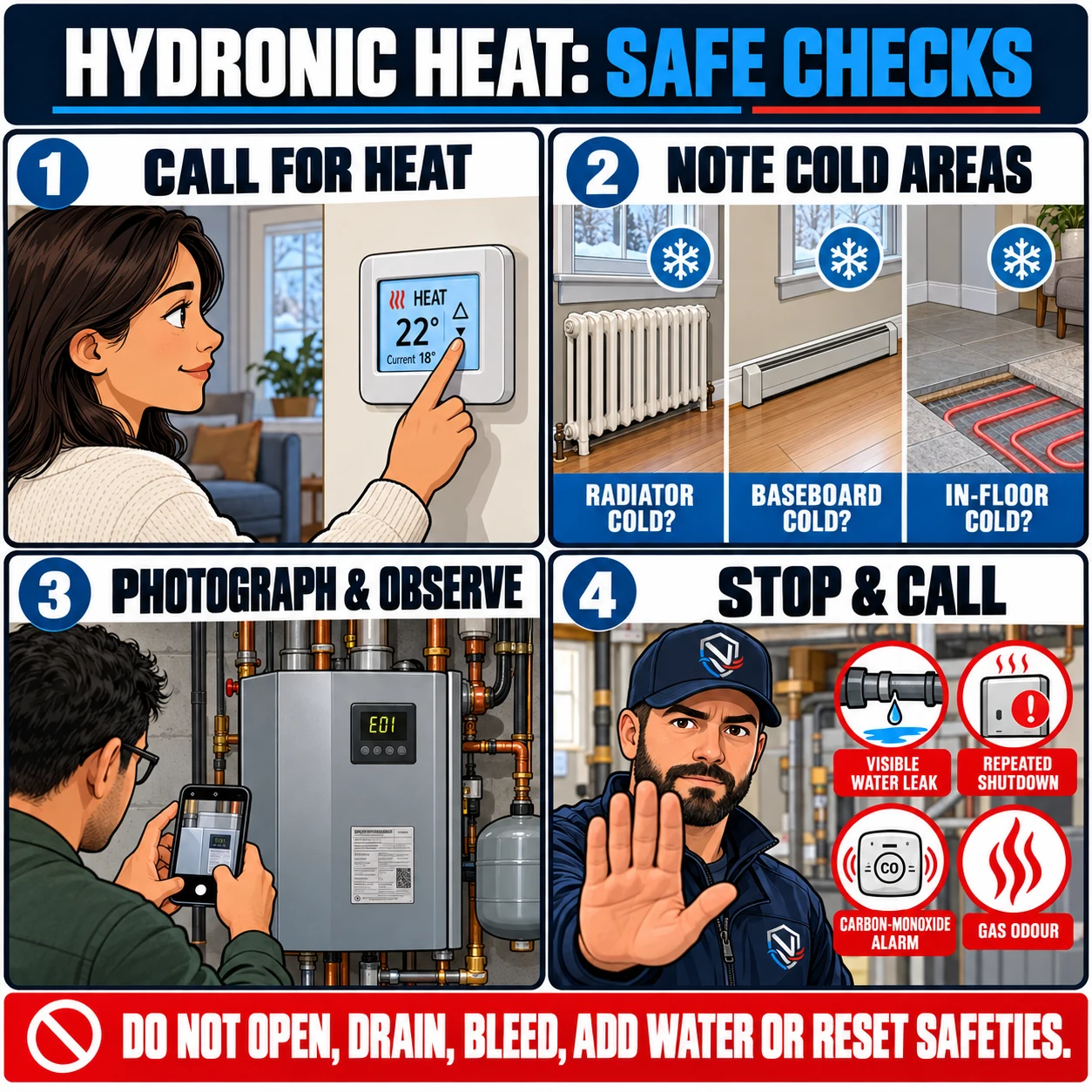
Confirm the call for heat
Set the appropriate thermostat to Heat and above the room temperature. Note whether one zone or the whole property is affected.
- 2
Note the cold areas
Identify which radiators, baseboard convectors, in-floor zones or rooms remain cold. Do not operate unfamiliar valves or controls.
- 3
Photograph and observe
Photograph the closed boiler, rating plate, display code and visible piping. Note unusual sounds, visible leakage and when the problem began.
- 4
Stop and request service
Request service for visible leakage, repeated shutdowns, unusual operation or loss of heat. If a carbon-monoxide alarm sounds or you smell gas, leave immediately and call 911 and Enbridge Gas from a safe location.
Do not open boiler panels, drain or bleed the system, add water, adjust system pressure or reset safety controls. Hydronic diagnostics may require tracing the piping, pumps, zone controls and operating sequence.
CLEAR NEXT STEPS
Need help reviewing a hydronic-heating concern?
NorthShieldClimate Inc. is a TSSA-registered Heating Fuels Contractor (FS-R-53731) serving Toronto and the GTA, with direct communication, careful workmanship and clear next steps for every inquiry.